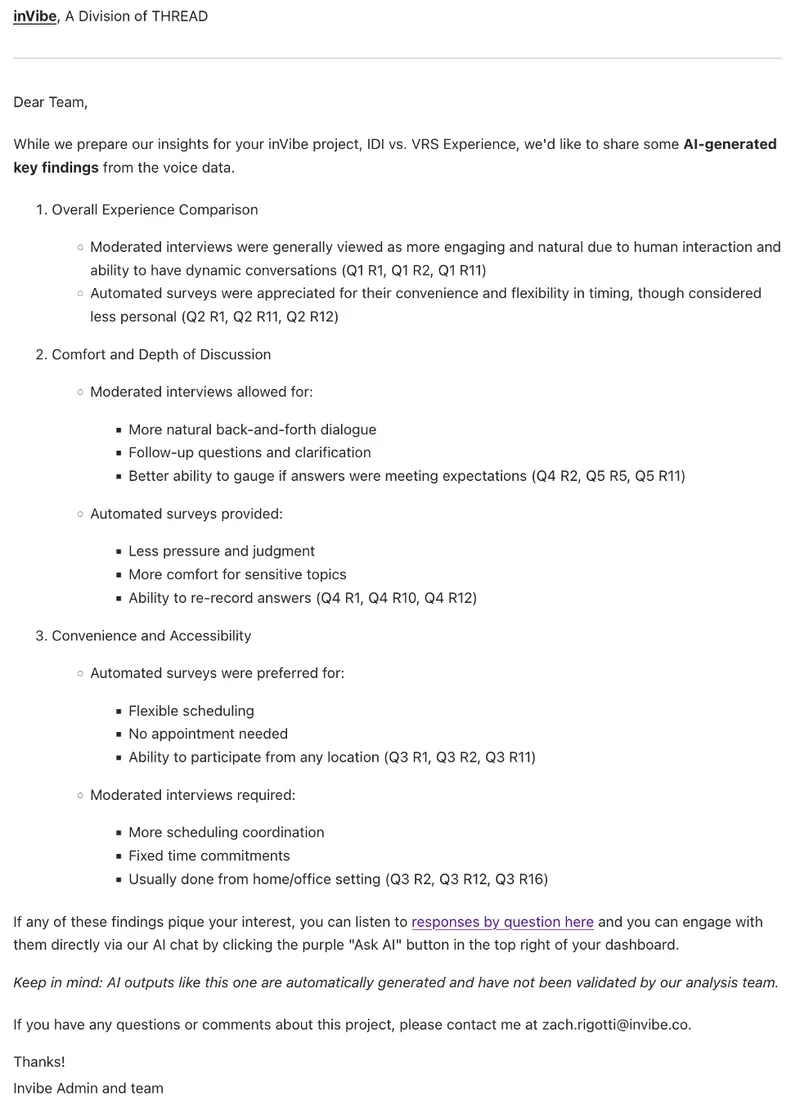
1/16/25 — inFlight Email Update
The inFlight emails have gotten a bit of an update!
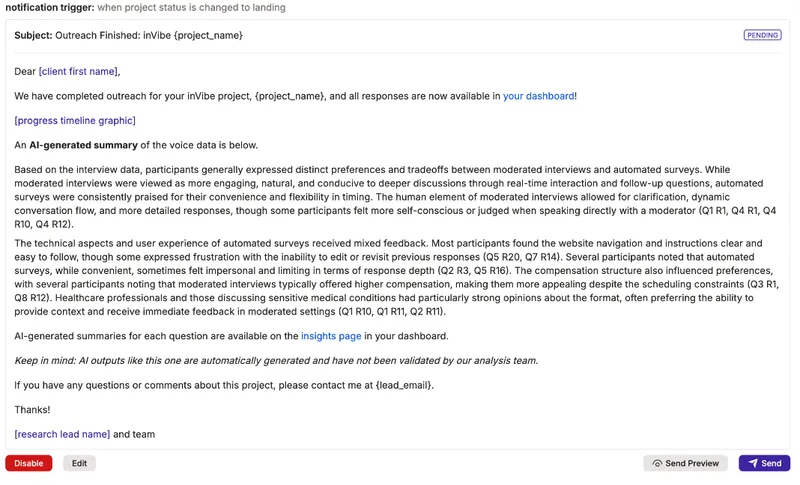
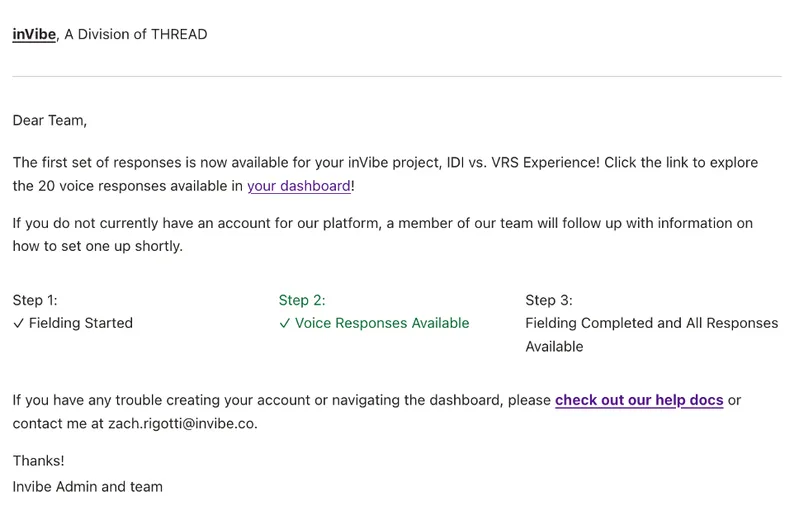
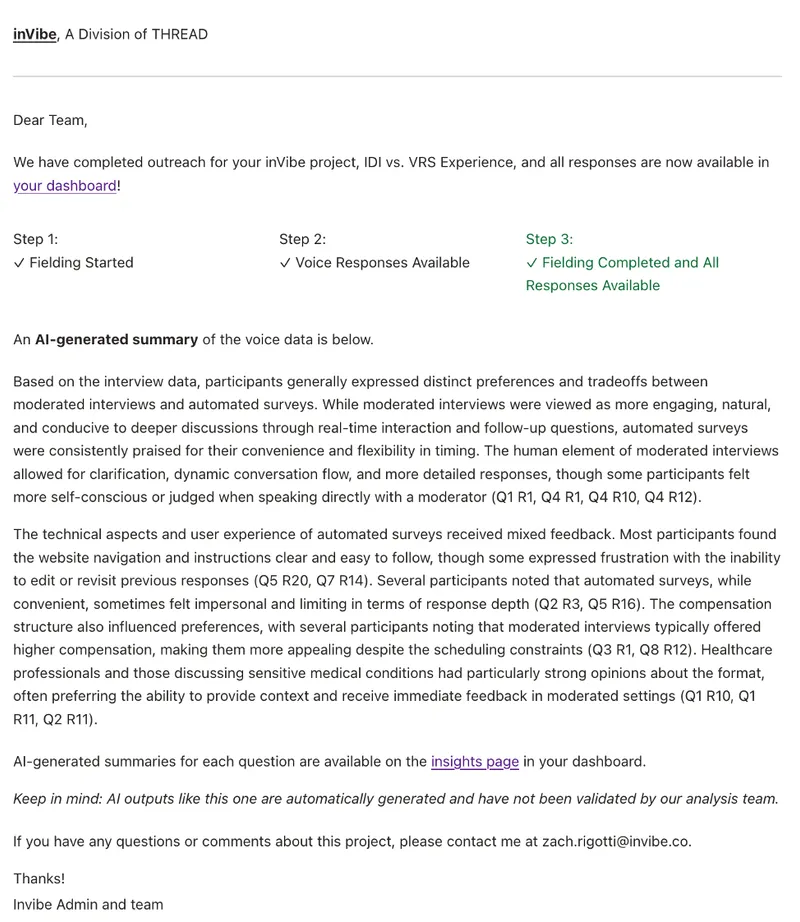
These inFlight email updates incorporate a few changes, including changes to make the timeline display horizontal, copy updates for all emails, and AI generated content for the fielding closed email and the new key findings email.
The Slack notification for the fielding closed email will now be sent when the project status is changed to “Analyzing” instead of “Landing” to ensure all responses have been published to the dashboard before generating an AI summary for inclusion in the email.
The new key findings email will be queued to be sent 3 business days after the project status is changed to “Analyzing”. As with the other inFlight emails, a Slack notification will be sent to the #inflight channel, mentioning the research lead.
For both emails with AI content, prior to the AI content being generated, a message and a warning will alert you to the missing content in the admin.
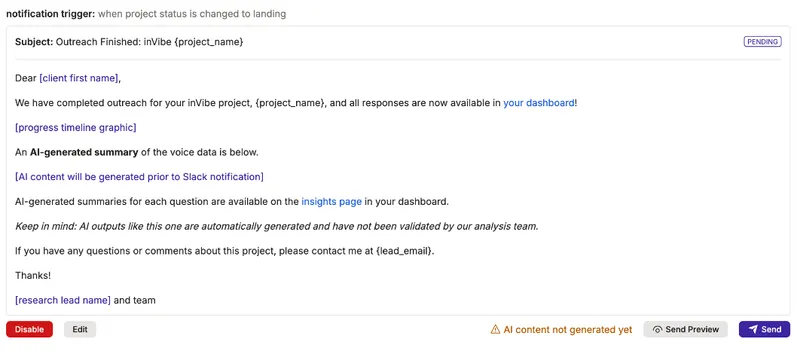
The AI content will be editable here if desired once it has been generated.
inFlight 1: Fielding Started
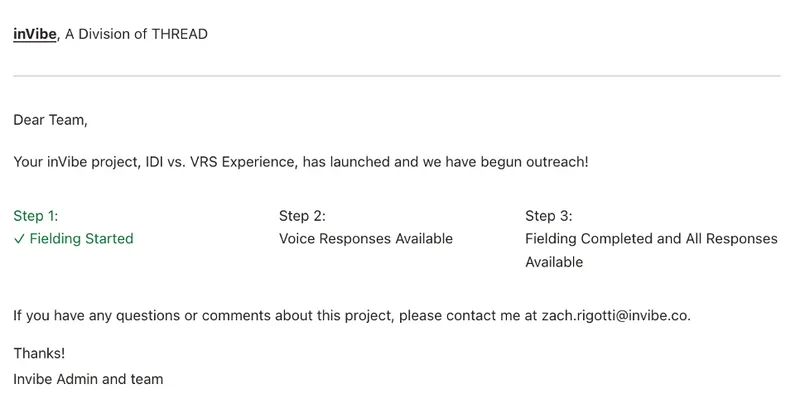
inFlight 2: Voice Responses Posted
inFlight 3: Fielding Completed and All Responses Available
inFlight 4: Key Findings